
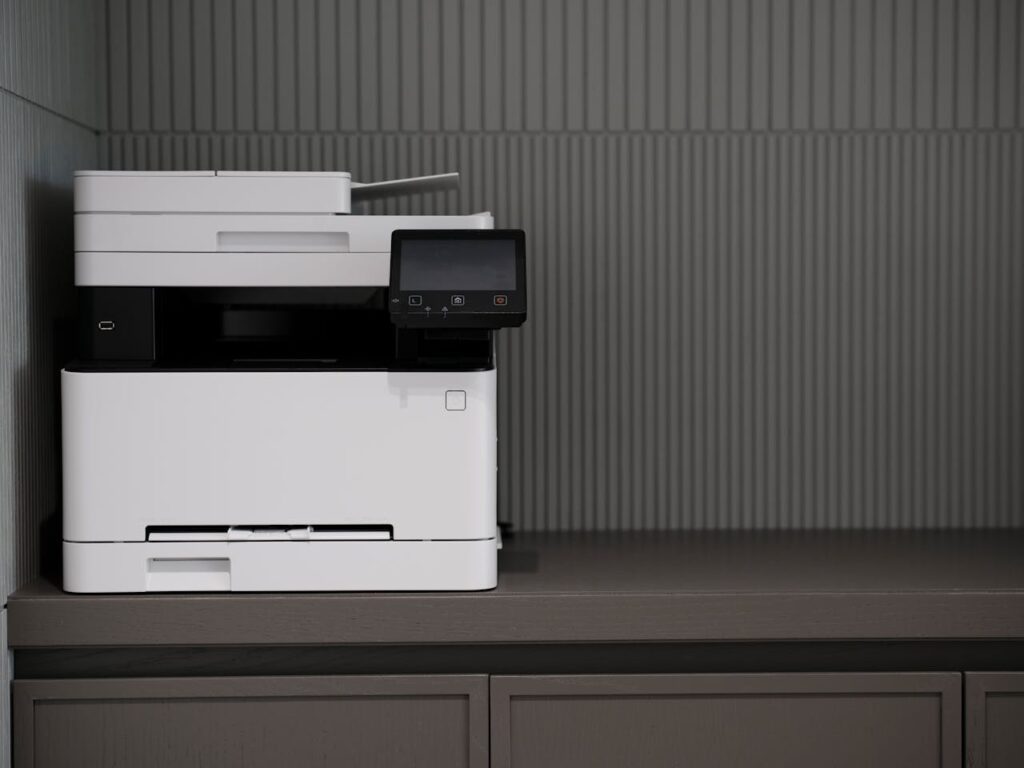
Kyocera machine installation environment
Installation location
The operative environmental conditions are as follows:
Adverse environmental conditions may affect the image quality. It is recommended to use the machine as follows:
Humidity: 36 to 65% Temperature: 60.8 to 80.6°F or less (16 to 27°C).
Avoid the following locations when selecting a site for the machine.
- Avoid locations near a window or with exposure to direct sunlight
- Avoid locations with vibrations
- Avoid locations with rapid temperature fluctuations
- Avoid locations with direct exposure to hot or cold air
- Avoid poorly ventilated locations
If the floor is delicate, when this machine is moved after installation, the floor material may be damaged by the casters.
During operation, some ozone is released, but the amount does not cause any ill effect to one’s health.
If, however, the machine is used over a long period of time in a poorly ventilated room or when making an extremely large number of copies, the smell may become unpleasant. To maintain the appropriate environment for copy work, it is suggested that the room be properly ventilated.
If you want to purchase any kind of Kyocera printers or any kind of Kyocera printer service based in Rwanda, try to look at our website to know the details of the printer. We also offer service for printers. selling spares also https://lewareitltd.rw/
Installation space
- Temperature: 50 to 90.5°F (10 to 32.5°C) (But humidity should be 70% or less when the temperature is 90.5°F
(32.5°C).) - Humidity: 10 to 80% (But the temperature should be 86°F (30°C) or less when humidity is 80%.)
- Power requirements: AC100 V 50/60Hz 15A or more (70ppm model,80ppm model)
AC100 V 50/60Hz 15A+5.5A or more (90 ppm model)
AC110 V 60Hz 15A or more
AC120 V 60Hz 16A or more
AC220 to 240V 50Hz 10A or more - Frequency fluctuation: 50Hz+/-2% or 60Hz+/-2%
Follow these Kyocera machine installation tips.
Maintenance
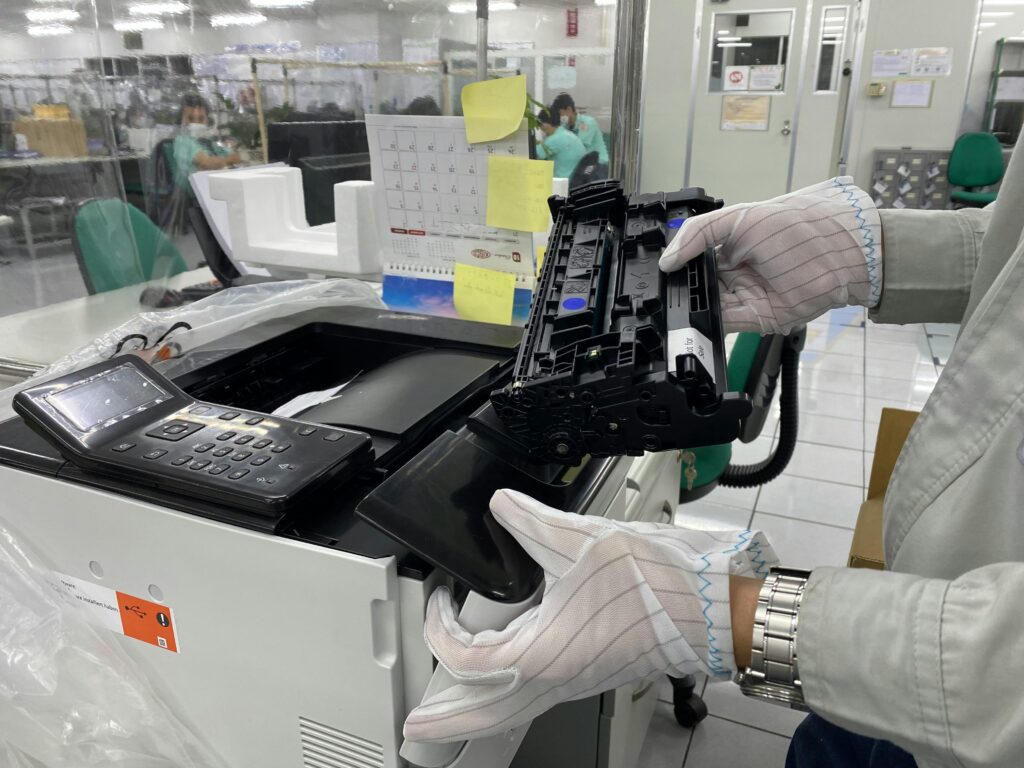
Precautions for the maintenance
Before disassembling the main unit, press the main power switch to turn the power off. Make sure that the power lamp on the operation panel is off and unplug the power cord from the wall outlet. Then, start the disassembly.
- When handling the PWBs (printed wiring boards), do not touch parts with your bare hands. Make sure not to damage the PWB.
- If ICs are mounted on the PWB, do not touch them by hand or anything charged with electrostatic.
- Make sure to release the hook before disconnecting the connector with the hook.
- Take care not to pinch up the wire and cable.
- Use the original screws when reassembling the parts once disassembled.
- If the types and the sizes of screws are not sure, refer to the parts list.
Storage and handling of the drum
Note the following when handling and storing the drum.
- When detaching the drum unit, never expose the drum surface to strong direct light.
- Store in the range of ambient temperature of -20 to 40 degree C(–4°F to 104°F) and ambient humidity of 85% RH or less. Wait more than 5 seconds between powering off and on. Avoid storing the drum unit in a place where the temperature and humidity may suddenly change, even if these changes are within the tolerable range.
- Avoid exposure to any substance that is harmful or may affect the quality of the drum.
- Do not touch the drum surface with any object.
- Make sure not to touch the drum surface with bare hands or gloves.
- If the drum is touched by hands or stained with oil, clean it.
Storage of the toner container
- Store the toner container in a cool, dark place.
- Do not place the toner container under direct sunlight or in a damp environment.
Those steps are the required environmental details for the Kyocera machine installation